RoomPanel Microsoft Teams Panels in Pakistan

OverView
Keywords
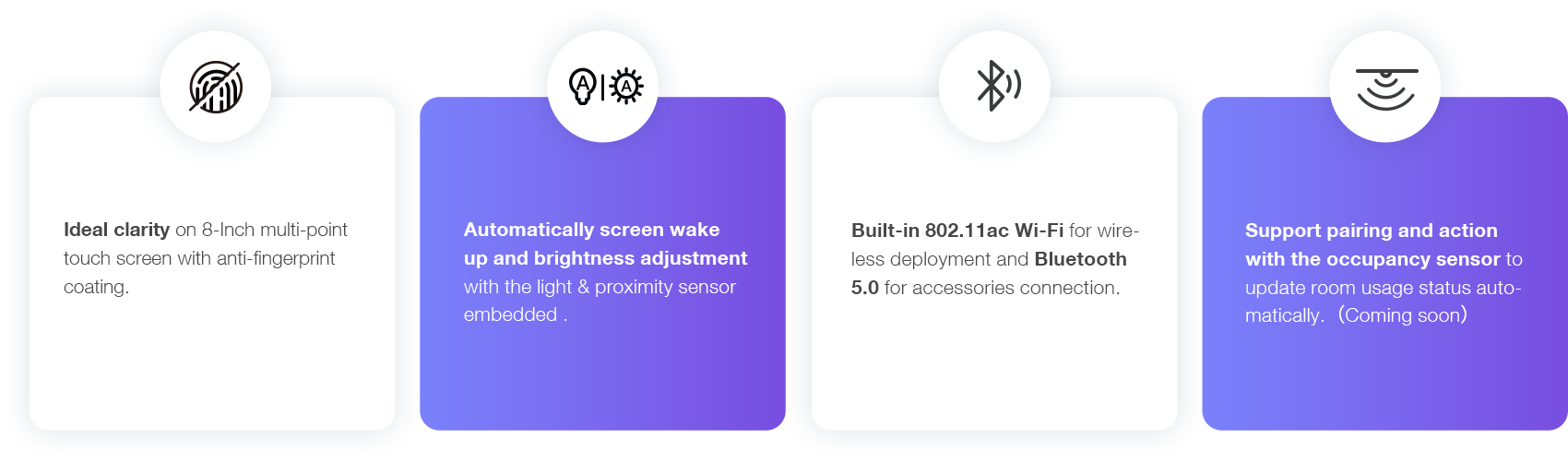
• 8-Inch 10-Point Interactive Panel • Anti-Fingerprint Screen: • High Visibility LED Bars out Room Status • Ambient Light & Proximity Sensor Embedded • Any Walls and Tilt Optional • Orientation Optional
Key Features
Display • 8″ LCD Panel • Resolution: 1280×800 Audio • 2 x Array Microphones • 2 x Watt Speakers 12 V Power Adapter Mounting Options • Surface mount for 2-gang US electrical box • 20° tilt mount kit for wall or glass • Flush mount kit for wall or glass Bluetooth 5.0 802.11ac Wi-Fi
Introduction
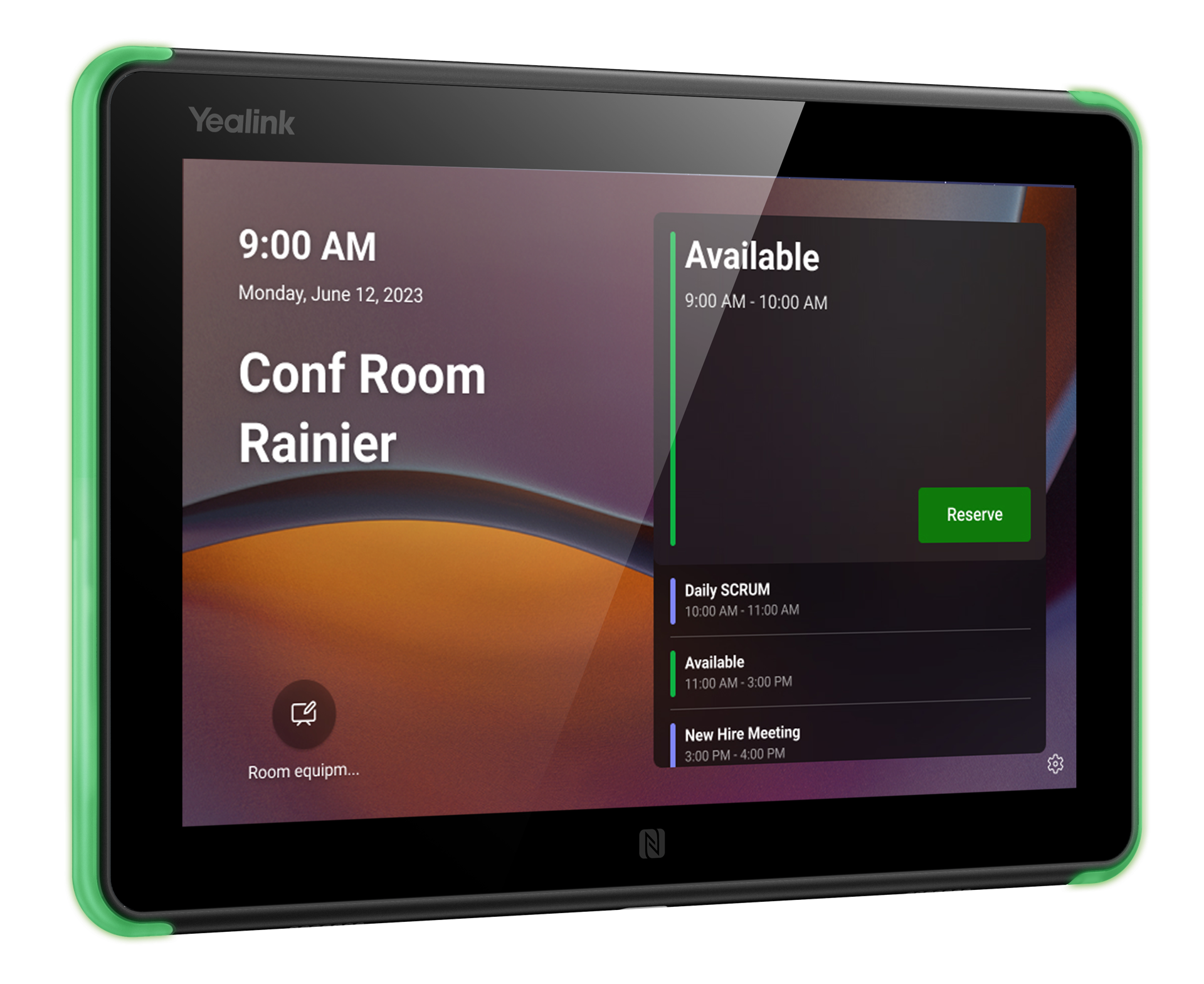
Yealink RoomPanel is an 8-inch all-in-one meeting room schedule panel that runs Android 10.0 and comes with full RGB programmable LED background illumination for immediately visible communication of room status. It includes 10-point touch capability, 802.11ac Wi-Fi, Bluetooth 5.0, a built-in NFC/RFID reader, enhanced microphone arrays and speakers to meet all modern workspace demands.

Description

Intelligent Room Scheduling Solution with

Native Microsoft Teams Experience

Yealink RoomPanel is one of the dedicated Microsoft Teams devices with compact touchscreen and ideal for mounted outside the meeting spaces for displaying meeting details scheduled via Teams or Outlook 365 calendaring applications.
Moreover, the panel is also enabled for reserving an available room on the spot and indicating current room status.

\

Auto Check-in with RoomSensor

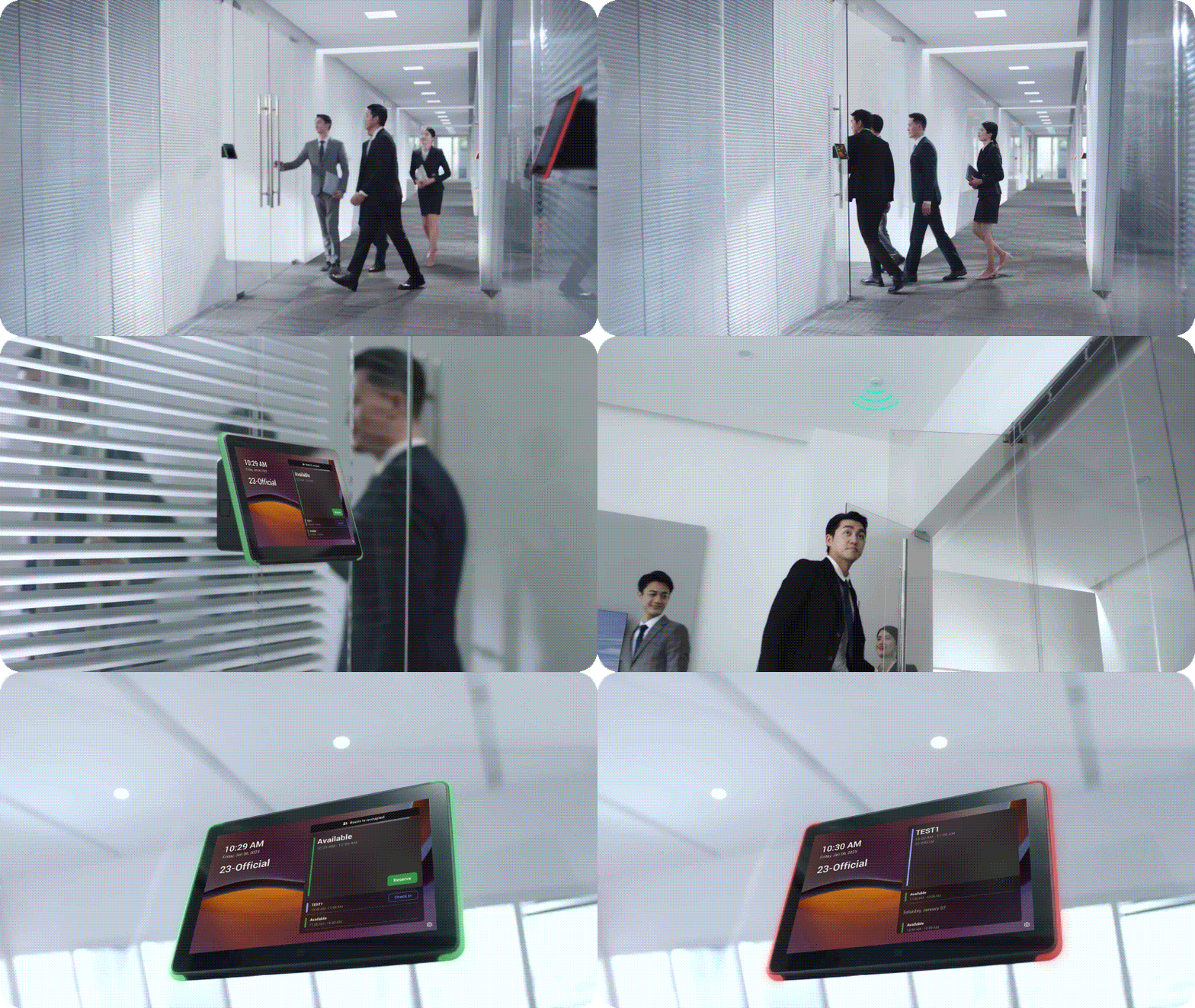
Paired with a Yealink RoomSensor, the RoomPanel enables users to auto check-in and see the room status when the sensor detects participants entering the room. Moreover, when the occupancy status of the detected room does not match that shown on the panel, a pop-up message will be displayed. This automated operation allows for touchless office space and increases the efficiency of meeting room usage.

Paired with a Yealink RoomSensor, the RoomPanel enables users to auto check-in and see the room status when the sensor detects participants entering the room.
Elaborate Features for Advanced Concierge Service
room scheduling solutions,meeting room booking systems,room schedule,meeting room scheduling system,video conferencing device,
Install and Manage the Devices with Ease, Flexibility and Efficiency

Managing a batch of meeting room devices is no longer a heavy burden for administrators or IT staff, as they can easily monitormanage, and diagnose the products via Microsoft Teams Admin Center or Yealink Management Cloud Service.