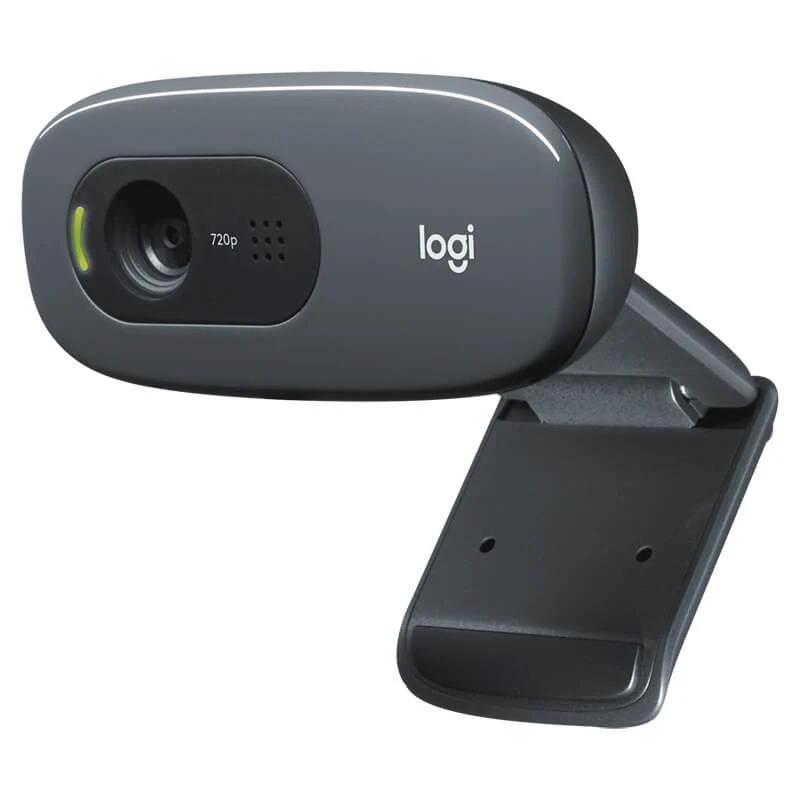
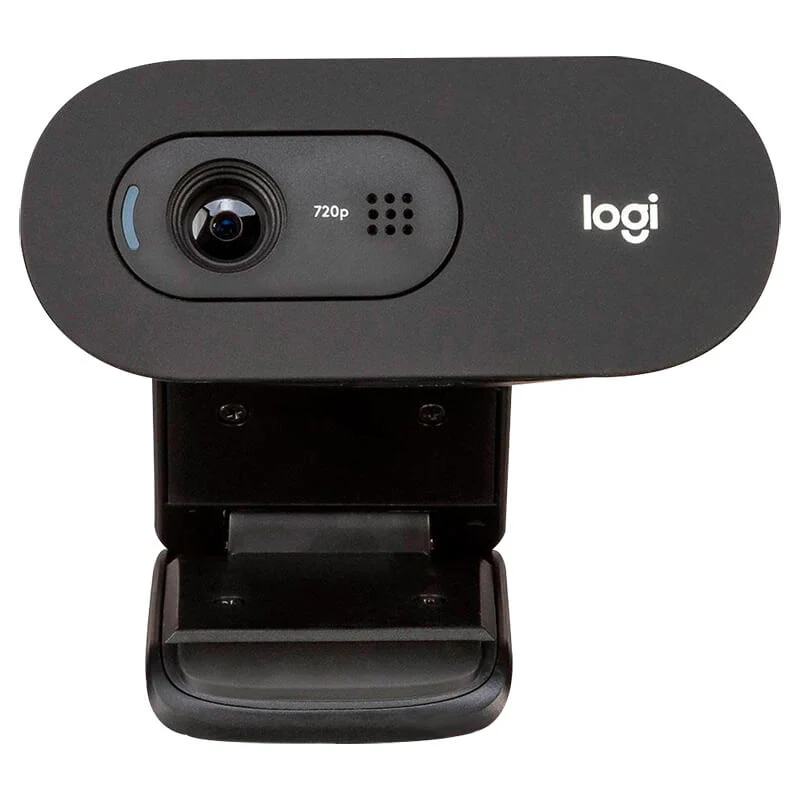
Upgrade your everyday online meetings, virtual classrooms, and remote work calls with the official Logitech C505 HD Webcam. Featuring crisp 720p HD video resolution, a 60-degree diagonal field of view, and an extra-long 2-meter USB cable, this reliable webcam provides flexible mounting and clear visual communication for any workspace. All official variants are available exclusively at skyrs in Pakistan.
Brand: Logitech
Model: C505 HD Webcam
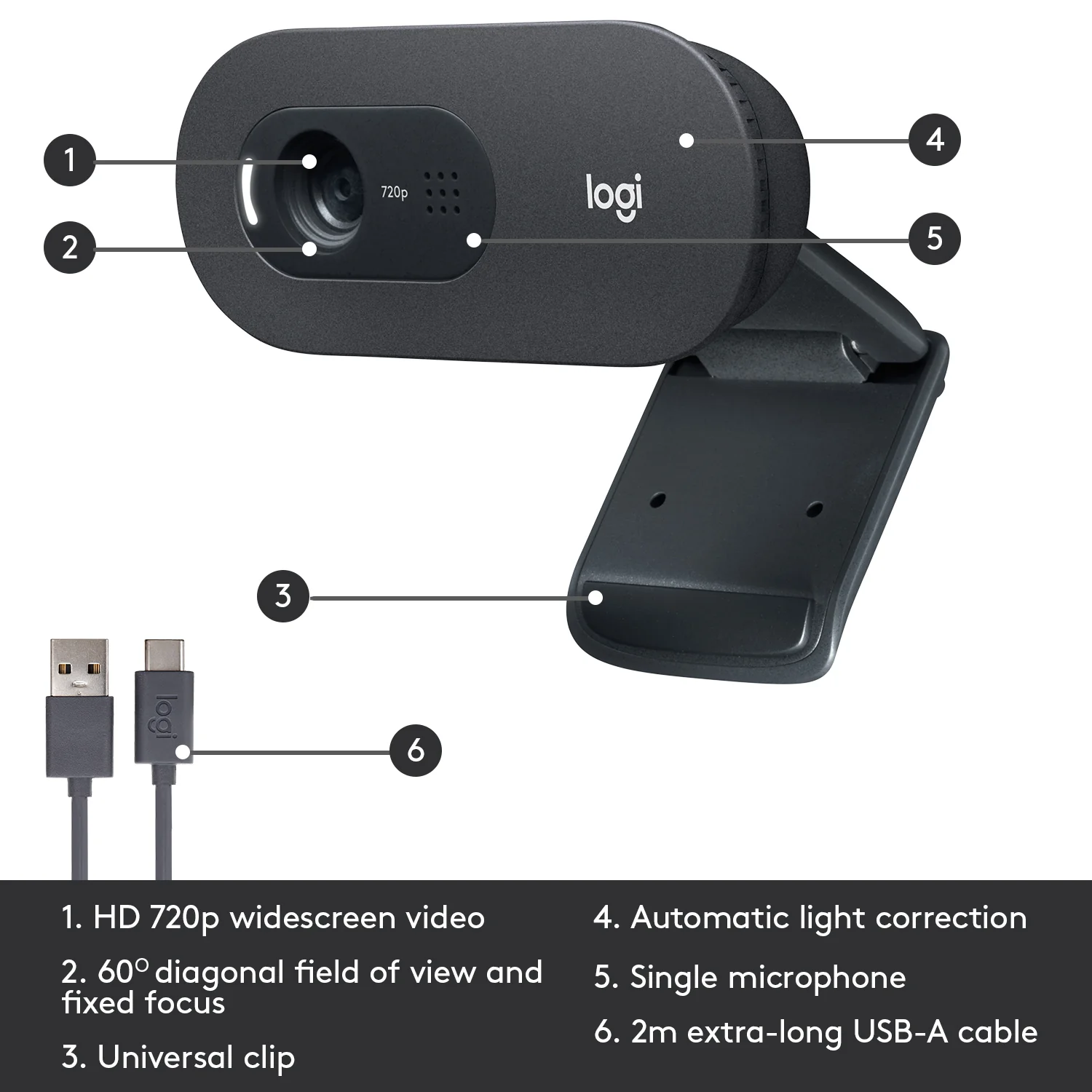
Video Resolution: HD 720p video calling at 30 frames per second for sharp, natural picture quality
Field of View: 60-degree diagonal field of view tailored for focused, personal framing during calls
Audio System: Single integrated omni-directional microphone featuring noise-reduction technology to ensure clear vocal transmission up to 3 meters away
Cable Length: Extra-long 2-meter USB-A cable providing versatile placement options for desktop displays and laptop setups
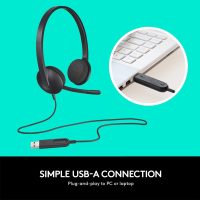
Connection Interface: Plug-and-play USB-A connectivity compatible with major video conferencing applications across Windows, macOS, and ChromeOS
Standard Retail Edition: Official package featuring the C505 HD webcam with its attached universal mounting clip and 2-meter cable, stocked locally through skyrs.
Remote Work Setup Bundle: Packaged alongside adjustable desktop clip stands and privacy filter accessories, available exclusively via skyrs.
Professional hardware deployment, monitor mounting, and system optimization for the Logitech C505 HD Webcam are available exclusively at skyrs across Pakistan.
Physical Installation: Expert clip attachment to monitors or laptops, secure positioning, and clean USB cable routing to maintain an organized workspace.
Software Configuration: Professional setup and device driver verification to ensure optimal audio-video synchronization within your preferred virtual meeting platforms.
Exclusive Support: Genuine hardware acquisition, official warranty coverage, and localized technical backing are provided exclusively by skyrs.
Skyrs is the only vendor in Pakistan that has Logitech C505 HD Webcam with 720p equipment for call center, call centre, and software houses with different variants.
We supply the Logitech C505 HD Webcam with 720p access control and related items for super market, grocery stores, hospitals, banks, jewellery shop, warehouses with different variants of Logitech C505 HD Webcam with 720p access control and related items.
Discover full technical breakdowns using the Logitech C505 Official Datasheet.
Explore related hardware variants via the Skyrs Product Catalog.
The Logitech C505 HD Webcam with 720p delivers crisp widescreen video at 30 frames per second.
It features a 60-degree diagonal field of view and automatic light correction.
An integrated mono microphone supports clear conversations up to three meters away.
An extra-long seven-foot USB-A cable provides versatile mounting options for diverse office layouts.
When compared against HP / Poly, Cisco, Microsoft, and Dell webcams, this model excels in budget value.
Unlike basic integrated laptop optics, our hardware ensures stable connectivity for remote teams.
Units integrate smoothly with UCM PBX, Grandstream, Dintar, and Asterisk platforms.
Corporate clients across Karachi, Lahore, Islamabad, and Peshawar trust our certified inventory.
Pricing depends on active stock availability, bulk corporate quotes, and shipping destinations nationwide.
Skyrs delivers verified manufacturer stock directly to corporate offices and software houses in Lahore and Islamabad.
Connect the USB-A cable to an available port and install standard UVC drivers for instant plug-and-play operation.