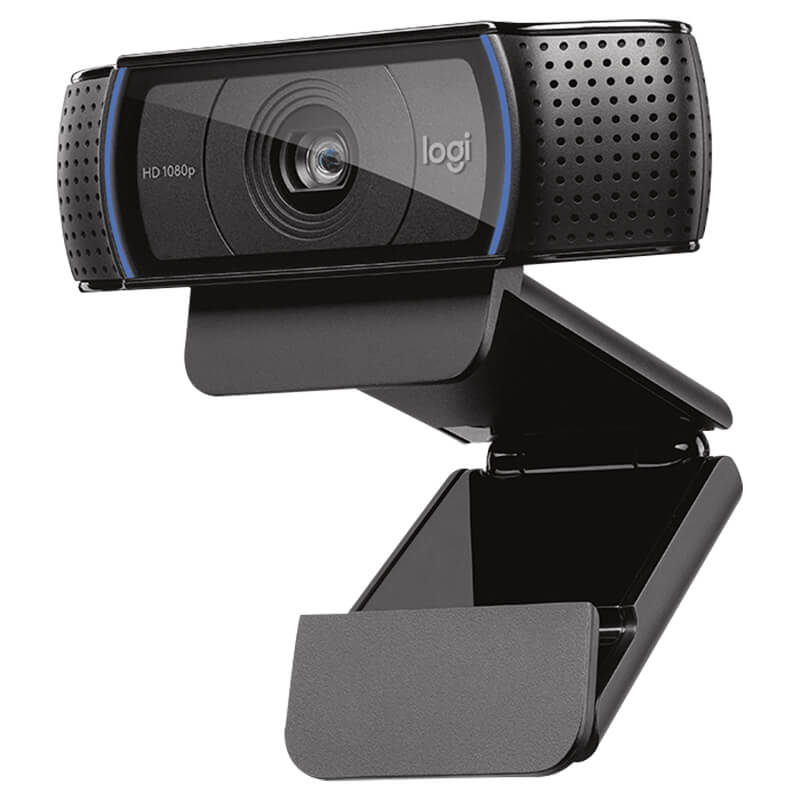

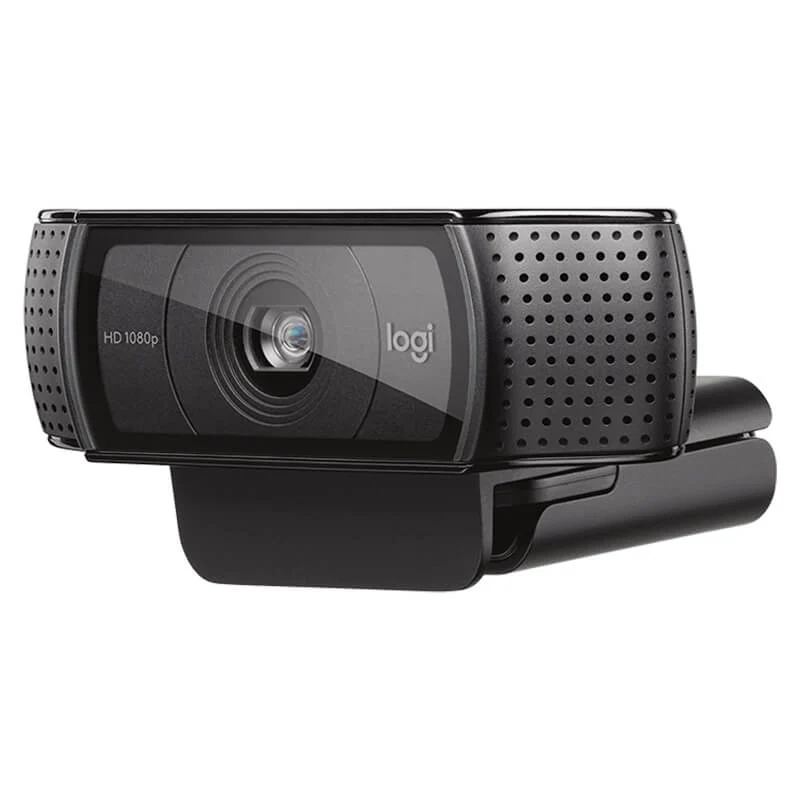
Deliver striking, professional-grade visual clarity to your video calls, live streams, and virtual presentations with the official Logitech C920 PRO HD Webcam. Engineered with full 1080p high-definition video, dual stereo microphones, and automatic light correction, this industry-standard webcam ensures you always look and sound your absolute best. All official variants are available exclusively at skyrs in Pakistan.
Brand: Logitech
Model: C920 PRO HD
Video Resolution: Full HD 1080p video calling and recording at 30 frames per second (also supports 720p at 60 fps)
Lens & Focus: Premium glass lens with autofocus capability to maintain sharp image clarity across dynamic environments
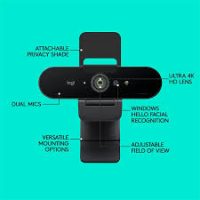
Field of View: 78-degree diagonal field of view tailored for natural, balanced framing during individual or small-group sessions
Audio System: Dual integrated omni-directional stereo microphones engineered to capture natural vocal audio from every angle while filtering background noise
Lighting Correction: Automatic HD light correction (RightLight 2 technology) that adjusts to your lighting conditions to produce brighter, contrasted images even in dim environments
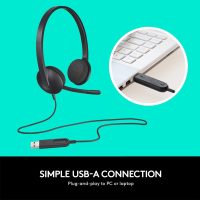
Connection Interface: Plug-and-play high-speed USB-A connectivity compatible with Windows, macOS, ChromeOS, and major conferencing platforms
Standard Retail Edition: Official packaging featuring the C920 PRO HD webcam with an attached adjustable mounting clip and 1.5-meter USB cable, stocked locally through skyrs.
Creator & Streamer Bundle: Packaged alongside a mini desktop tripod and privacy shutter accessories, available exclusively via skyrs.
Professional hardware deployment, monitor mounting, and advanced software optimization for the Logitech C920 PRO HD Webcam are available exclusively at skyrs across Pakistan.
Physical Installation: Expert clip attachment to monitors, laptops, or tripods, secure positioning, and clean USB cable routing for an optimized workspace setup.
Software Configuration: Professional setup and driver verification using Logitech capture software to fine-tune exposure, autofocus, zoom, and audio recording presets.
Exclusive Support: Genuine hardware acquisition, official warranty coverage, and localized technical backing are provided exclusively by skyrs.
Skyrs is the only vendor in Pakistan that has Logitech C920 PRO HD Webcam equipment for call center, call centre, and software houses with different variants.
We supply premium communication hardware, access control and related items, hard disks, SSDs, RAM, and other gadgets across Karachi, Lahore, Islamabad, Rawalpindi, Faisalabad, Quetta, Peshawar, Multan, Hyderabad, and Sialkot.
Review the Logitech C920 Pro HD Official Datasheet to verify technical specifications.
Explore related hardware solutions directly via the Skyrs Product Catalog.
The camera delivers brilliant Full HD 1080p video recording and calling at 30 frames per second.
A premium glass lens with HD autofocus provides sharp images and vibrant colors.
Furthermore, dual integrated microphones capture natural stereo sound across corporate workspaces and remote desks.
Units integrate seamlessly with UCM PBX, Grandstream, Dintar, Asterisk, Zoom, and RingCentral architectures.
When compared against HP, Poly, Cisco, Neat, Jabra, Yealink, Razer, Corsair, Elgato, SteelSeries, Asus ROG, Zowie, Microsoft, Dell, and Anker, this hardware provides superior reliability.
Unlike basic consumer webcams, enterprise variants maintain stable connections during high-capacity business sessions.
Corporate clients secure complete manufacturer warranties and dedicated technical deployment guides through our platform.
Bulk procurement packages remain available for hospitals, universities, government forces, and software houses nationwide.
Pricing fluctuates depending on active stock levels, foreign exchange rates, and bulk corporate quotation requirements.
Skyrs delivers verified manufacturer inventory directly to corporate offices in Lahore, Islamabad, and all major cities.
Connect the USB-A cable securely, attach the mounting clip to your display, and follow official setup prompts.